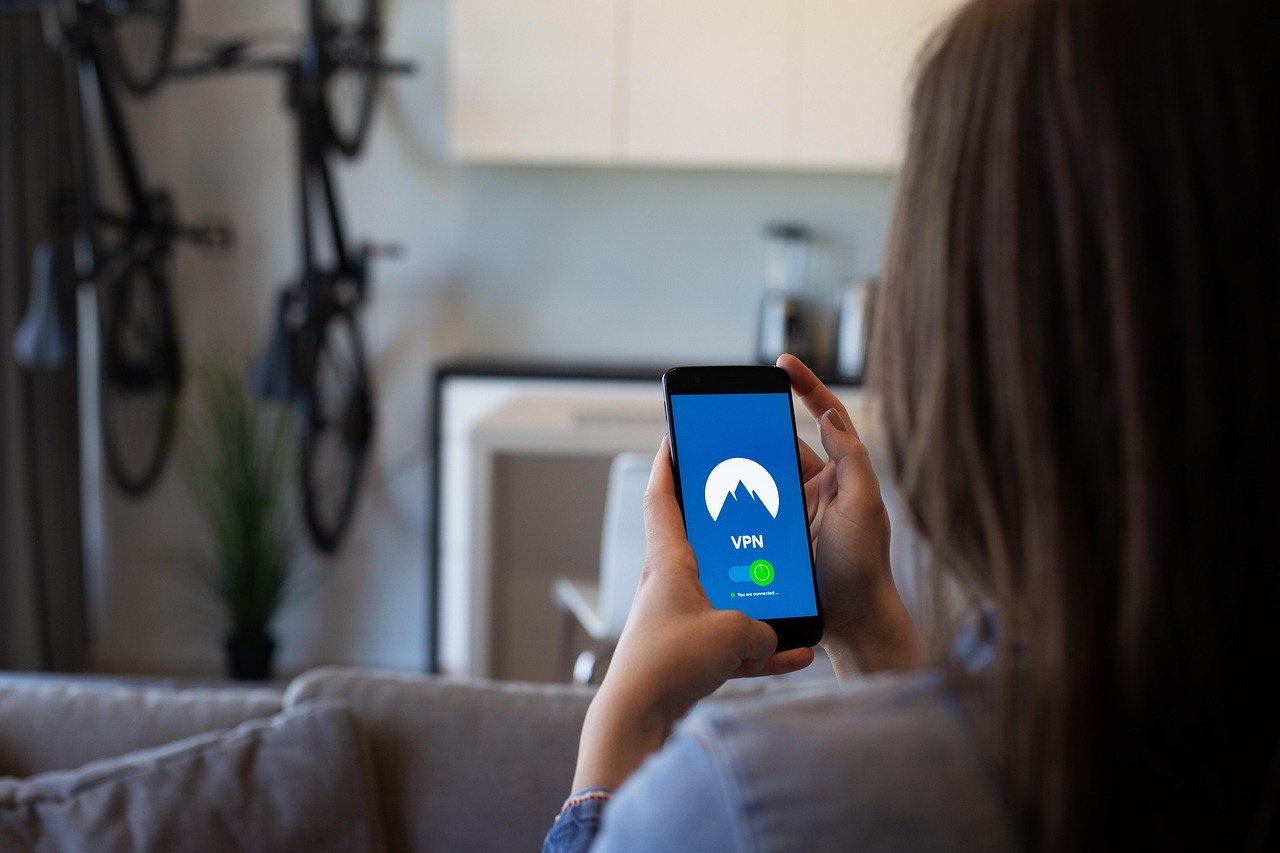
A VPN service is marketed as a switch that makes a person private, anonymous, and safe online, which oversells a tool that does something narrower and still useful. It routes internet traffic through a server run by the provider, which hides the traffic from the local network and the internet provider, and hides the person’s real address from the sites they visit. That is the whole of it. Understanding where the protection starts and stops is the difference between a sensible purchase and a false sense of security.
What a VPN service does
A VPN service creates an encrypted tunnel between a device and the provider’s server. On an untrusted network, that stops other people on the same Wi-Fi, and the network owner, from reading the traffic. It also hides browsing activity from the internet provider, which matters more than it sounds, since providers have been found to collect and share browsing data. And because sites see the VPN server’s address rather than the real one, a VPN masks location and can reach content restricted to another region.
The public Wi-Fi case is weaker than it used to be. The FTC’s guidance on public Wi-Fi points out that most sites now use HTTPS, which already encrypts the connection between browser and site, so a coffee shop network is usually safe without anything extra. A VPN still helps on a network that is genuinely untrusted, or where the concern is the network owner rather than the site.
What a VPN service does not do
A VPN service does not make anyone anonymous. It moves trust rather than removing it: the local network and the internet provider can no longer see the traffic, but the VPN provider now can. That is the central trade, and it is why the provider’s honesty is the whole game. A VPN also does nothing about the many other ways sites identify a visitor, including logins, cookies, and browser fingerprinting, so an account signed into a service is still that account behind a VPN.
It is not a security suite either. A VPN does not stop malware, and it does not catch a phishing page, so knowing how to spot a phishing email protects a person where a VPN cannot. Claims of “military grade encryption” describe the same standard encryption used across the web and are marketing rather than a feature. The EFF’s guide to choosing a VPN is blunt about these limits and worth reading before any purchase.
When using a VPN makes sense
There are real reasons to run one. A network the person cannot vouch for, such as unfamiliar hotel or event Wi-Fi, is a fair case. Keeping browsing away from an internet provider is another, particularly where providers sell that data. Travellers use a VPN to reach news, banking, or streaming from their home country while abroad. People under censorship use one to reach the open internet, though that raises the stakes on choosing a provider that can be trusted. None of these needs the anonymity that the marketing implies, and all of them work within the tool’s real limits.
How to choose a VPN service
The decision comes down to trust, because the provider can see the traffic. A few things separate a serious provider from the rest:
- Independent audits. A trustworthy VPN service has its no-logs claim and its apps checked by an outside firm, and publishes the result rather than just asserting it.
- A clear no-logs policy. The provider should state plainly what it does and does not record, and its jurisdiction should not force it to log.
- Open and current software. Regularly updated apps, and open-source code where possible, let outsiders check the claims.
- A business model that is not the user’s data. A paid plan aligns the provider with the customer. A free product has to earn money somehow.
- Honest marketing. A provider that promises total anonymity is describing something no VPN delivers.
An audited, privacy-focused provider such as Proton VPN meets most of these, though the same checklist applies to any name under consideration, and the point is to judge the provider against it rather than against an advert. Reviews and audit reports are worth more than a homepage.
The problem with free VPNs
A free VPN service raises an obvious question: if the customer is not paying, what covers the cost of running the servers. For some free apps the answer is advertising, and for others it is logging and selling the browsing data the tool was supposed to protect, or injecting trackers into the traffic. That inverts the reason for using one in the first place. Reputable providers do offer limited free tiers as a sample of a paid product, which is different from a free app with no visible way of paying its bills. The terms and the privacy policy say which is which.
Frequently asked questions
Does a VPN service make browsing anonymous?
No. It hides traffic from the local network and the internet provider and masks the address from sites, but the VPN provider can see the traffic, and logins, cookies, and fingerprinting still identify a visitor. A VPN is a privacy tool with limits, not a cloak of anonymity.
Is a free VPN service safe?
Sometimes, and often not. A free tier from a reputable provider that also sells paid plans is usually fine. A standalone free app with no clear revenue frequently pays for itself by logging or selling data, which defeats the purpose. The privacy policy is the place to check before installing.
Is a VPN still needed on public Wi-Fi?
Less than it once was. Because most sites use HTTPS, a public network is usually safe for ordinary browsing without a VPN. One is still worth using on a network that cannot be trusted, or to keep activity away from the network owner and internet provider.
Does a VPN protect against hackers and viruses?
Not in the way the marketing suggests. A VPN service encrypts traffic in transit, but it does not stop malware, block phishing sites, or secure a device that is already compromised. Antivirus, updates, and careful habits cover those, and a VPN sits alongside them rather than replacing them.